

Team Settings
Settings → Team shows who has access to the production and how new people join.
Team Members
The member list shows everyone on the production and their role. The admin of the project gets a badge next to their name.
Admins can use Invite Member to send an email invitation and choose a role:
- Viewer: can view notes and check them off
- Member: can view and edit notes
- Admin: can also manage the team and production settings
Pending invitations are listed below the members until they're accepted. Admins can re-invite or cancel them there.
Membership here is separate from Cuelist. Linking a Cuelist project does not add its collaborators to your production.
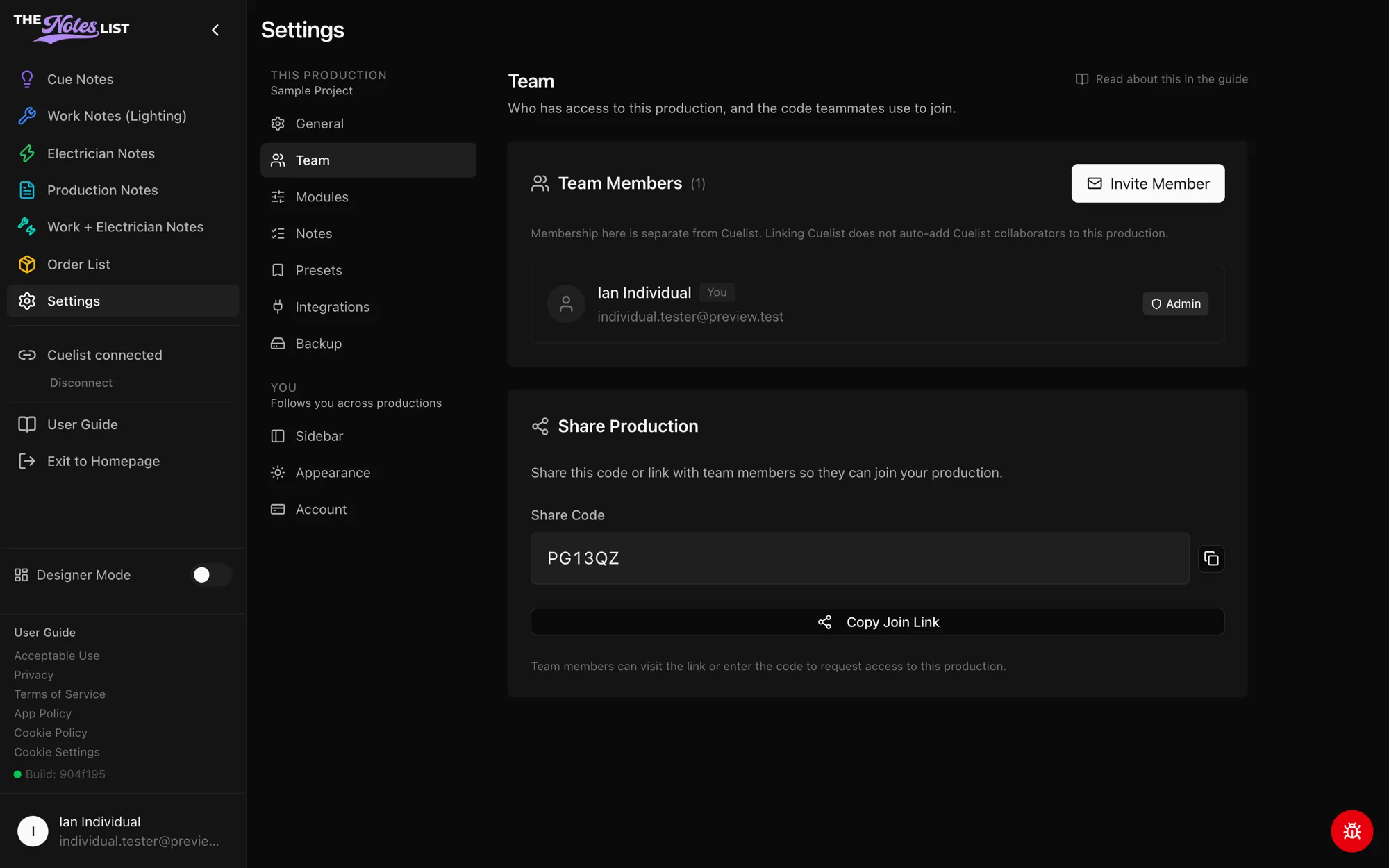
Share Production
Every production has a share code and a join link. Send either to a teammate: they can enter the code, or open the link, to request access to the production.