

Production Settings
Settings is where you shape a production to fit your team. Open it from Settings in the left sidebar.
Finding your way around
Settings is split into two groups, listed down the left side of the page:
- This production: General, Team, Modules, Notes, Presets, Integrations and Backup. Changes here affect everyone working on the show. The production's name appears under the group heading so you always know which show you're editing.
- You: Sidebar, Appearance and Account. These are your personal preferences, and they follow you to every production you work on.
Click a section to open it. Each section has its own web address, so you can bookmark it or send the link to a teammate, and your browser's Back button takes you to the section you were on before. On a phone, the list becomes a Section dropdown at the top of the page.
Most settings save automatically as you change them. There's no Save button to remember.
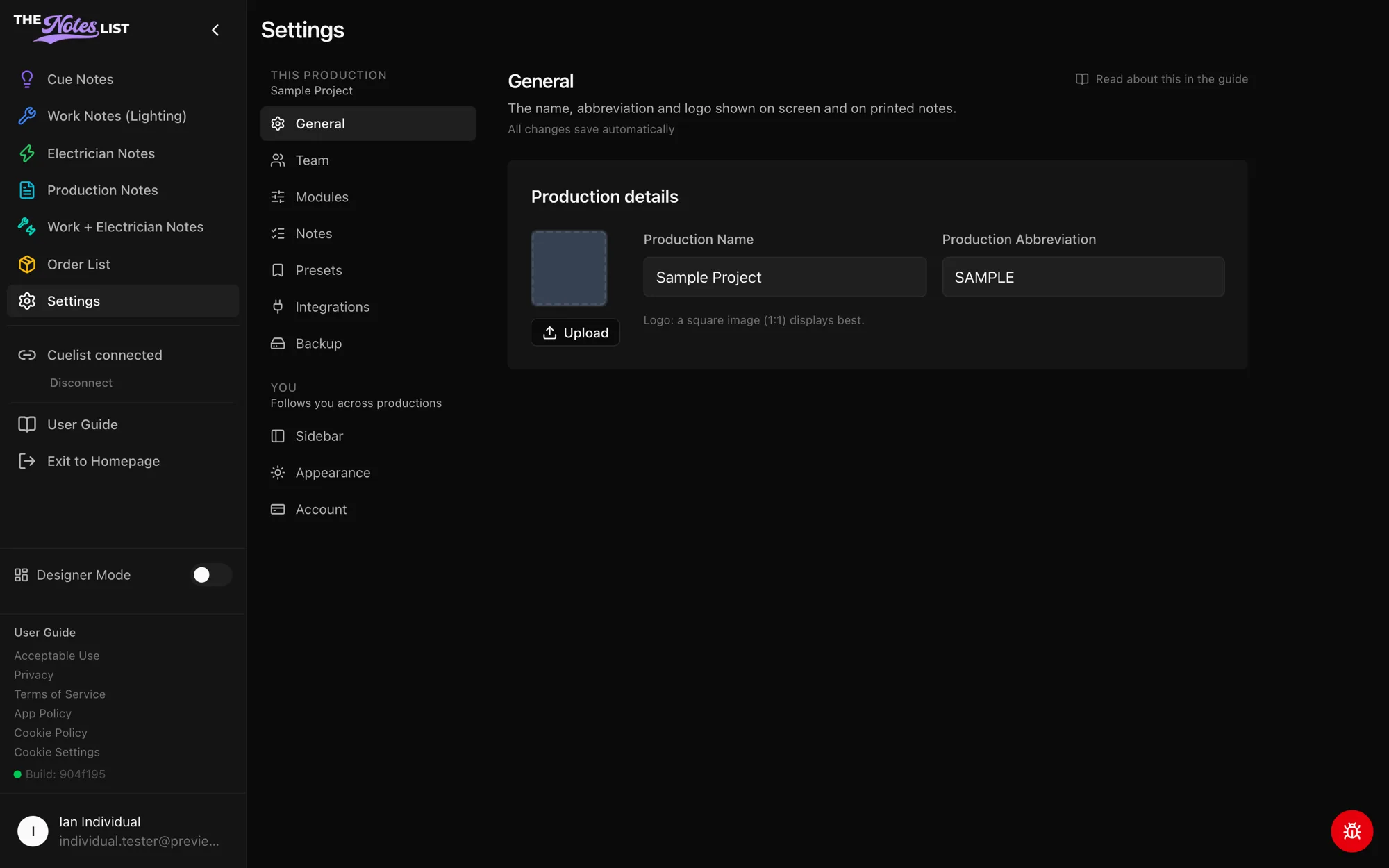
General
General holds the production's details, shown on screen and on printed notes:
- Production name and abbreviation
- Production logo. Use Upload to add one and Remove to go back to the default. A square image displays best.
Only production admins can change these. Everyone else sees them as view-only.
Modules
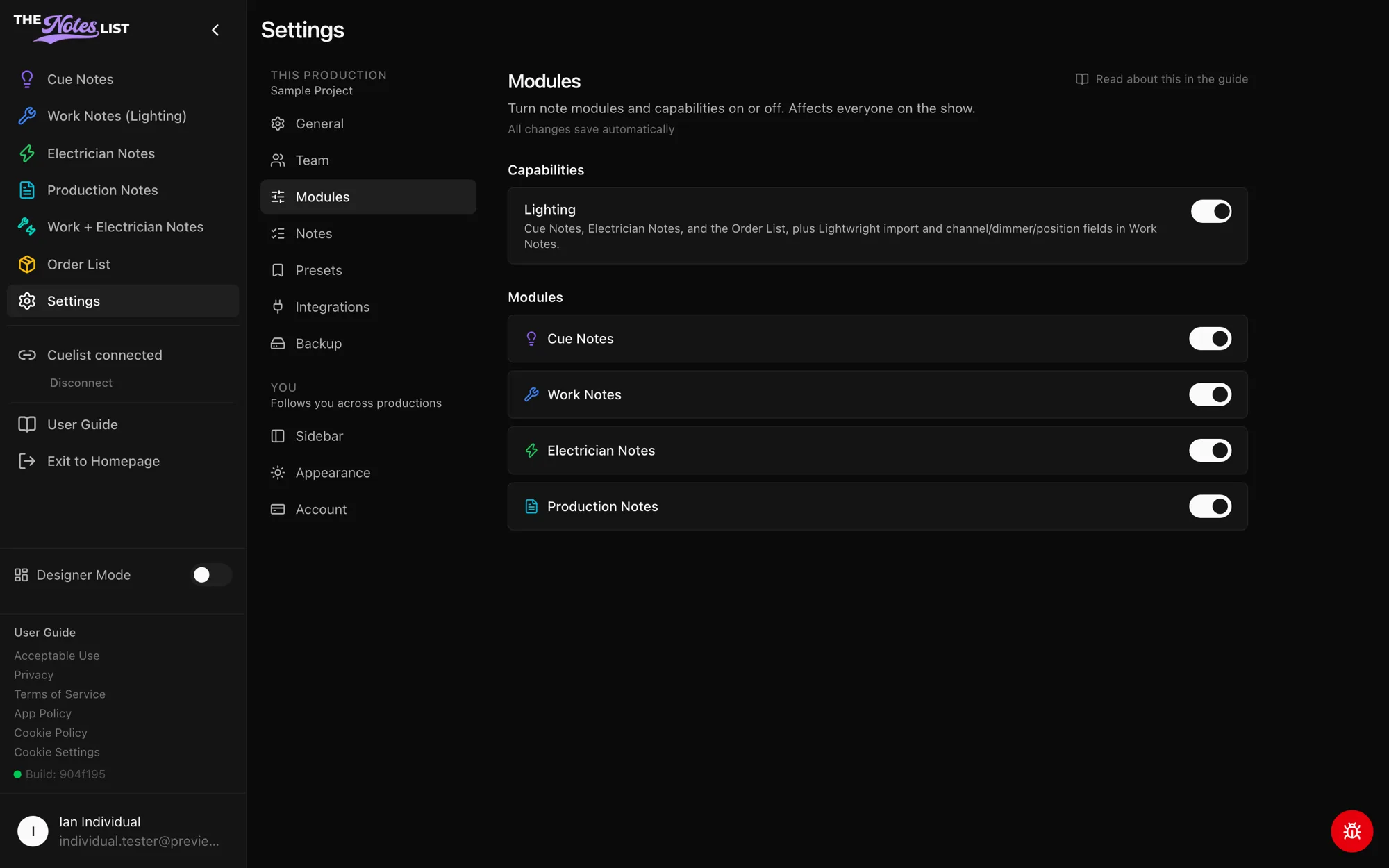
Modules turns note modules on or off for the whole production. Only production admins see this section.
- Capabilities: turning off Lighting hides Cue Notes, Electrician Notes and the Order List, along with Lightwright import and the channel, dimmer and position fields in Work Notes.
- Modules: switch Cue Notes, Work Notes, Electrician Notes and Production Notes on or off individually. At least one module must stay on.
These switches affect everyone on the show. To hide a module just for yourself, use Sidebar instead.
Looking for something else? Types and priorities are under Notes, email and print setups are under Presets, people and join codes are under Team, Cuelist and button stations are under Integrations, and snapshots are under Backup.