

Backup Settings
Settings → Backup can prove to be a crucial part of your workflow. It keeps copies of your production that you can download or restore.
Export and import
- Export Snapshot downloads a complete backup of the production as a JSON file, at any time.
- Import from Snapshot uses one of those files to restore this production to that save point, or to create a new production from it.
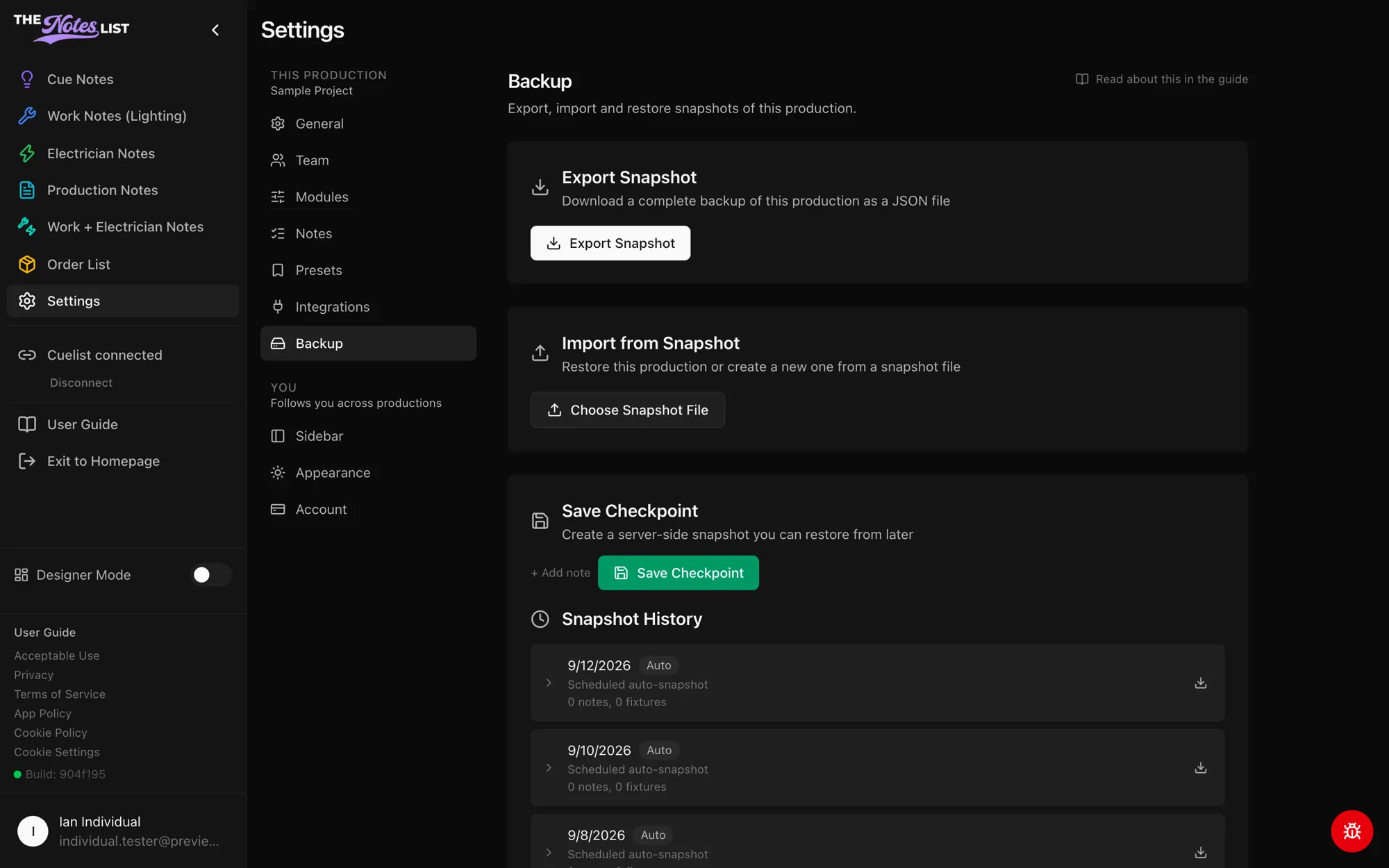
Checkpoints and history
Admins can Save Checkpoint to store a snapshot on the server, with an optional note, before a big change.
Snapshot History lists every saved snapshot: your checkpoints, the automatic snapshots The Notes List takes on a schedule, and the ones taken before an import or restore. Any of them can be downloaded as a complete JSON file, and admins can restore from them.