

Presets
Settings → Presets holds saved setups for sending and printing notes, so your end-of-day routine is one click instead of ten. Presets belong to the production and are shared with everyone on it.
Email Message Presets
Creating your end-of-day email preset can be one of the most valuable tools The Notes List offers. Use Add Preset to fully customize your email export. Options include:
- Preset name
- Module assigned
- Email recipients
- Subject line, with live badges such as the production name or date
- Message body
- Filter & sort preset
Use the All Modules filter to show only the presets for one module.
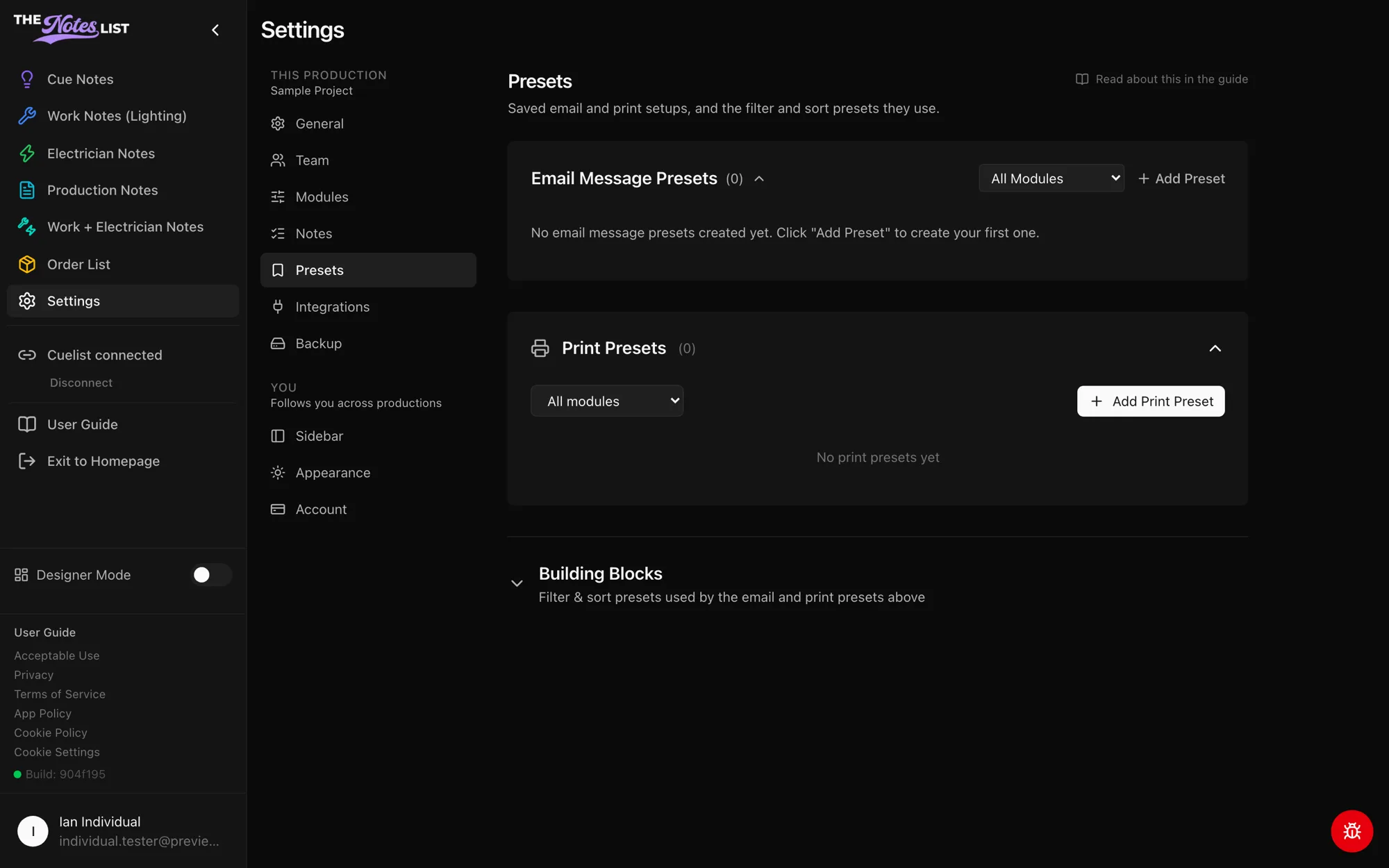
Print Presets
Add Print Preset saves a PDF setup for a module: which notes to include, how they're sorted, and the page layout. Print presets appear when you print from a notes page.
Building Blocks
Open Building Blocks to manage filter & sort presets: which statuses, types and priorities to include, and in what order. Email and print presets use these, so you can set up a filter once and reuse it everywhere.